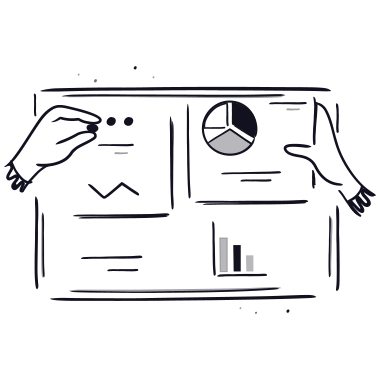
No login, no account. Guests still book and pay.
One magic link per booking: view, pay, cancel. Customers handle it themselves, no password, no emails to you.
Customer portal
Magic link, PIN, and self-service condensed like the real portal.
Tap, click, try it. No account.
How the customer portal works
Book, manage, pay. No account.
- Checkout completes inside the widget No password wall, no registration.
- Only name, email, and address That is all the widget asks for.
- Payment in the same pass By card, right after choosing.
Customer portal
Magic link, PIN, and self-service condensed like the real portal.

Try the customer portal for free.

FAQ
Frequently asked questions about Customer portal.
No, not to book and not to view the booking. Magic link plus PIN is enough.
Yes, when you approve a paid widget booking, and for manual bookings with "Send confirmation email" ticked.
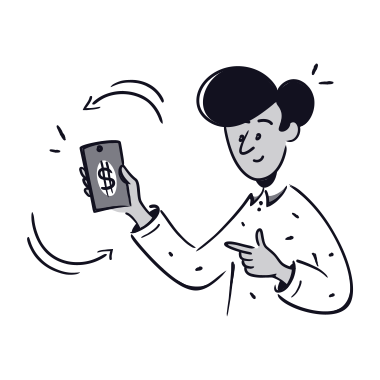
Yes. Unpaid bookings show "Pay now". Payment runs by card through Stripe.
Each link is unique to a booking and also protected by a 5-digit PIN. Only someone with both can open the portal.
Not automatically. The booking is cancelled, and you trigger a refund in Stripe if needed. Custom cancellation rules with deadlines don't exist yet.
Not yet. They can cancel and book again.